Wally · · 3 min read
Wally now serves ten open models
The Wally catalog now lists ten open models, including Kimi K3, GLM-5.3, MiniMax M3 and the DeepSeek V4 family. Fast versions have their own model ids, and Eve answers questions with a probability for each answer.
By Sanchit Monga
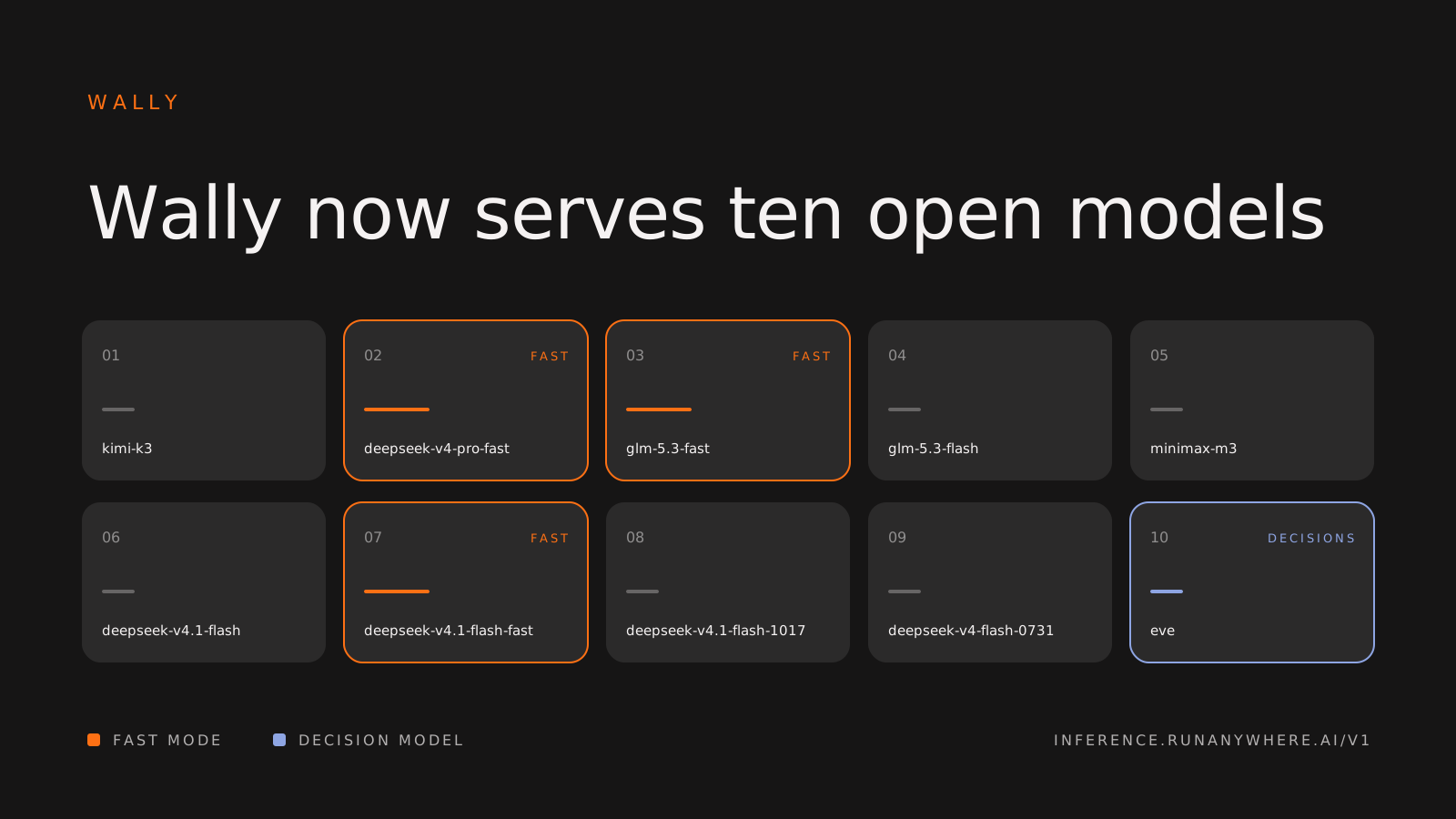
Wally by RunAnywhere gives you one CLI and one API key for frontier open models. Today we are publishing the Wally catalog: ten models, all behind the same key, the same CLI and the same OpenAI-compatible API.
What changed
- Ten models in one catalog. Kimi K3, GLM-5.3, MiniMax M3 and the DeepSeek V4 family are all live.
- Fast mode has its own ids. You pick speed by picking a model id.
- Eve, a decision model. It scores questions and returns a probability for each answer.
- A live catalog endpoint. The current list is always at inference.runanywhere.ai/v1/models/catalog.
The models
| Model | Model id | Notes |
|---|---|---|
| Kimi K3 | kimi-k3 | |
| DeepSeek V4 Pro, fast | deepseek-v4-pro-fast | Fast mode |
| GLM-5.3, fast | glm-5.3-fast | Fast mode |
| GLM-5.3 Flash | glm-5.3-flash | |
| MiniMax M3 | minimax-m3 | |
| DeepSeek V4.1 Flash | deepseek-v4.1-flash | |
| DeepSeek V4.1 Flash, fast | deepseek-v4.1-flash-fast | Fast mode of deepseek-v4.1-flash |
| DeepSeek V4.1 Flash 1017 | deepseek-v4.1-flash-1017 | |
| DeepSeek V4 Flash 0731 | deepseek-v4-flash-0731 | |
| Eve | eve | Decision model, run with wally decisions |
What fast mode means
Fast mode is the same model, served for speed. Use it for agent loops, voice, and anything a person sits and waits on.
Each fast model has its own id. To switch, change the model field in your request or the -m flag in the CLI. Nothing else in your code changes.
The pricing page has the current rates for every model id.
Eve
Eve is a decision model. You ask it a yes/no, multiple-choice or scored question, and it returns a probability for each answer. That makes it useful when your code needs a judgment it can branch on.
Run it from the CLI with wally decisions. The Wally docs cover the options.
Use it from a coding agent
The CLI connects coding agents like OpenCode, Claude Code and Codex to any model in the catalog. Sign in once, then start an agent on a hosted model:
1wally account login2wally opencode --cloud -m glm-5.3-fast
Hosted commands always carry --cloud. Swap the -m value for any id in the table above.
Use it from your own code
The API is OpenAI-compatible. Point the OpenAI SDK at Wally's base URL and pick a model id:
1import os2from openai import OpenAI34client = OpenAI(base_url="https://inference.runanywhere.ai/v1", api_key=os.environ["WALLY_API_KEY"])5reply = client.chat.completions.create(model="glm-5.3-flash", messages=[{"role": "user", "content": "Explain a hash map in two sentences."}])6print(reply.choices[0].message.content)
Calling the API directly needs an API key from your account. The Wally docs explain how to create one.
Your data
Production Wally does not store prompt or completion bodies.
Get started
- Sign in to the console and buy prepaid credits. Usage is paid from those credits.
- Check the rates on the pricing page.
- Follow the setup guide in the docs, or run
wally account loginand start an agent.
More about Wally is at runwally.com.
- Wally
- Models
- Launch