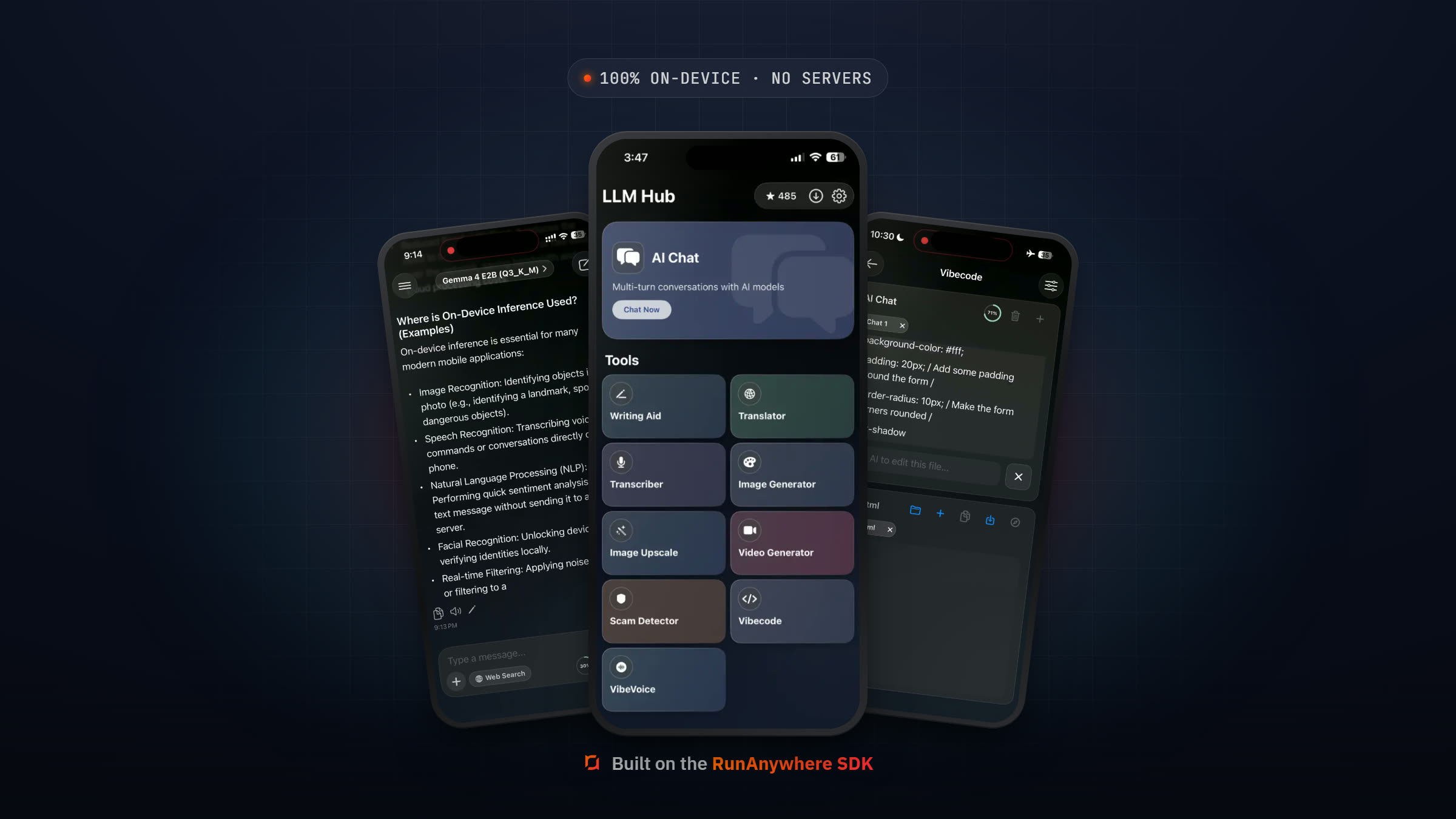
RunAnywhere Flutter SDK Part 1: Chat with LLMs On-Device
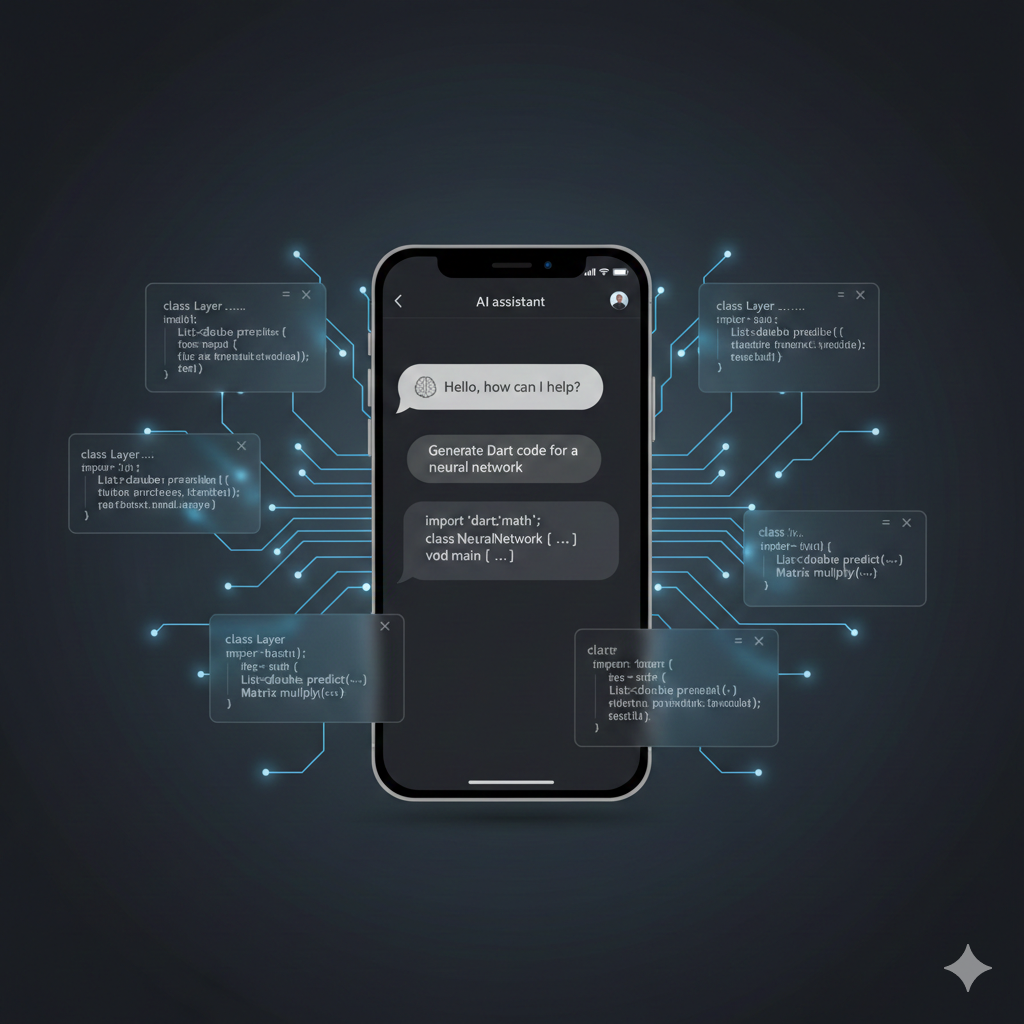
Run LLMs Entirely On-Device with Flutter
This is Part 1 of our RunAnywhere Flutter SDK tutorial series:
- Chat with LLMs (this post) — Project setup and streaming text generation
- Speech-to-Text — Real-time transcription with Whisper
- Text-to-Speech — Natural voice synthesis with Piper
- Voice Pipeline — Full voice assistant with VAD
Flutter's "write once, run anywhere" promise meets on-device AI. With RunAnywhere, you can build cross-platform apps that run powerful language models directly on iOS and Android devices—no cloud, no API keys, complete privacy.
In this tutorial, we'll set up the Flutter SDK and build a streaming chat interface that works offline on both platforms.
This tutorial targets RunAnywhere 0.15.x (latest). The reference sample project is local_ai_playground; the code below matches the current SDK API.
Why On-Device AI?
| Aspect | Cloud AI | On-Device AI |
|---|---|---|
| Privacy | Data sent to servers | Data stays on device |
| Latency | Network round-trip | Instant local processing |
| Offline | Requires internet | Works anywhere |
| Cost | Per-request billing | One-time download |
For cross-platform apps handling sensitive data, on-device processing provides the privacy users expect across both iOS and Android.
Prerequisites
- Flutter 3.10+ with Dart 3.0+
- Xcode 14+ (for iOS builds)
- Android Studio with SDK 24+ (for Android builds; matches
minSdkVersion 24below) - Physical device recommended (iOS or Android)
- ~250MB storage for the LLM model (Parts 2-4 add ~140MB more)
Project Setup
1. Create a New Flutter Project
1flutter create local_ai_playground2cd local_ai_playground

2. Add the RunAnywhere SDK
Add the following dependencies to your pubspec.yaml:
1dependencies:2 flutter:3 sdk: flutter4 runanywhere: ^0.17.45 runanywhere_llamacpp: ^0.17.46 runanywhere_onnx: ^0.17.47 provider: ^6.0.08 # Audio recording & playback (used in Parts 2-4)9 path_provider: ^2.1.010 record: ^5.1.011 audioplayers: ^6.0.0
Then run:
1flutter pub get

3. iOS Configuration
For iOS, add or ensure these lines in your existing ios/Podfile (inside the target 'Runner' do block for use_frameworks!; do not replace the entire file):
1platform :ios, '14.0'23# Critical: Use static linking for RunAnywhere4use_frameworks! :linkage => :static
Why static linking? RunAnywhere's native iOS libraries are distributed as static frameworks. The
:linkage => :staticflag tells CocoaPods to link them statically, avoiding "image not found" crashes at runtime. This is required for Flutter projects using RunAnywhere on iOS.
Then install pods:
1cd ios && pod install && cd ..
4. Android Configuration
Set minSdk 24 (Android 7.0+) in your app-level build file—add or update that line in defaultConfig; don’t replace the whole file. Your project will have one or the other of the files below; only edit the one that exists (don’t update both).
1android/app/2 ├── build.gradle ← Use this snippet if you have this file (Groovy)3 └── build.gradle.kts ← Use this snippet if you have this file (Kotlin DSL)
Groovy — file: android/app/build.gradle
1android {2 defaultConfig {3 minSdkVersion 24 // Required for RunAnywhere (Android 7.0+)4 }5}
Kotlin DSL — file: android/app/build.gradle.kts
1android {2 defaultConfig {3 minSdk = 24 // Required for RunAnywhere (Android 7.0+)4 }5}
If your project uses minSdk = flutter.minSdkVersion (or minSdkVersion flutter.minSdkVersion), replace or override it with 24, since Flutter’s default is 21 and the SDK needs 24.
Add these permissions to android/app/src/main/AndroidManifest.xml (merge with any existing <uses-permission> tags):
INTERNET— Required for downloading models in this part (and for any cloud fallback).RECORD_AUDIO— Required for Parts 2–4 (Speech-to-Text and Voice). Safe to add now.
1<uses-permission android:name="android.permission.INTERNET" />2<uses-permission android:name="android.permission.RECORD_AUDIO" />
Sample app and setup notes
The local_ai_playground sample (and the Flutter Example App in the SDK repo) is aligned with RunAnywhere 0.15.x:
lib/features/chat/chat_view.dart— Chat UI with model download, load, and streaming generation using the current SDK API.ios/Flutter/Profile.xcconfig— Ensures the iOS Profile build configuration includes CocoaPods settings and avoids the "CocoaPods did not set the base configuration" warning.- API migration — If you're coming from an older SDK, check the sample app's
docs/(e.g.RUNANYWHERE_API_UPDATES.md) or the repository for old vs new API snippets.
SDK Initialization
The SDK requires a specific initialization order. Create lib/app/app_initializer.dart:
1import 'package:flutter/foundation.dart';2import 'package:runanywhere/runanywhere.dart';3import 'package:runanywhere_llamacpp/runanywhere_llamacpp.dart';4import 'package:runanywhere_onnx/runanywhere_onnx.dart';56class AppInitializer {7 static Future<void> initialize() async {8 try {9 // Step 1: Initialize core SDK10 await RunAnywhere.initialize();11 debugPrint('SDK: RunAnywhere initialized');1213 // Step 2: Register backends BEFORE adding models14 await LlamaCpp.register();15 debugPrint('SDK: LlamaCpp backend registered');1617 await Onnx.register();18 debugPrint('SDK: ONNX backend registered');1920 // Step 3: Register the LLM model21 RunAnywhere.registerModel(22 id: 'lfm2-350m-q4_k_m',23 name: 'LiquidAI LFM2 350M',24 url: 'https://huggingface.co/LiquidAI/LFM2-350M-GGUF/resolve/main/LFM2-350M-Q4_K_M.gguf',25 framework: InferenceFramework.llamaCpp,26 memoryRequirement: 250000000,27 );2829 debugPrint('SDK: Model registered successfully');30 } catch (e) {31 debugPrint('SDK: Initialization failed: $e');32 rethrow;33 }34 }35}

Update lib/main.dart:
1import 'package:flutter/material.dart';2import 'app/app_initializer.dart';3import 'features/chat/chat_view.dart';45void main() async {6 WidgetsFlutterBinding.ensureInitialized();78 await AppInitializer.initialize();910 runApp(const MyApp());11}1213class MyApp extends StatelessWidget {14 const MyApp({super.key});1516 @override17 Widget build(BuildContext context) {18 return MaterialApp(19 title: 'Local AI Playground',20 theme: ThemeData.dark(),21 home: const ChatView(),22 );23 }24}
Architecture Overview
1┌─────────────────────────────────────────────────────┐2│ RunAnywhere Core │3│ (Unified API, Model Management) │4├───────────────────────┬─────────────────────────────┤5│ LlamaCpp Backend │ ONNX Backend │6│ ───────────────── │ ───────────────── │7│ • Text Generation │ • Speech-to-Text │8│ • Chat Completion │ • Text-to-Speech │9│ • Streaming │ • Voice Activity (VAD) │10└───────────────────────┴─────────────────────────────┘
Downloading & Loading Models
Create lib/services/model_service.dart:
1import 'package:flutter/foundation.dart';2import 'package:runanywhere/runanywhere.dart';34class ModelService extends ChangeNotifier {5 double _downloadProgress = 0.0;6 bool _isDownloading = false;7 bool _isModelLoaded = false;8 String? _error;910 double get downloadProgress => _downloadProgress;11 bool get isDownloading => _isDownloading;12 bool get isModelLoaded => _isModelLoaded;13 String? get error => _error;1415 Future<void> downloadAndLoadModel(String modelId) async {16 _isDownloading = true;17 _error = null;18 notifyListeners();1920 try {21 // Check if already downloaded22 final isDownloaded =23 (await RunAnywhere.availableModels()).any((m) => m.id == modelId && m.localPath != null);2425 if (!isDownloaded) {26 // Download with progress tracking27 await for (final progress in RunAnywhere.downloadModel(modelId)) {28 _downloadProgress = progress.percentage;29 notifyListeners();3031 debugPrint('Download: ${(_downloadProgress * 100).toStringAsFixed(1)}%');3233 if (progress.state.isCompleted) break;34 }35 }3637 // Load into memory38 await RunAnywhere.loadModel(modelId);3940 _isModelLoaded = true;41 _isDownloading = false;42 notifyListeners();4344 debugPrint('Model loaded successfully');45 } catch (e) {46 _error = e.toString();47 _isDownloading = false;48 notifyListeners();49 debugPrint('Model error: $e');50 }51 }52}
Note: Only one LLM model can be loaded at a time. Loading a different model automatically unloads the current one. The SDK uses
loadModel()for LLMs; Parts 2-3 useloadSTTModel()andloadTTSVoice()for speech models—these use separate memory pools and can be loaded simultaneously.
Streaming Text Generation
Now for the fun part—generating text with your on-device LLM. Create lib/features/chat/chat_view.dart:
1import 'package:flutter/material.dart';2import 'package:runanywhere/runanywhere.dart';34class ChatView extends StatefulWidget {5 const ChatView({super.key});67 @override8 State<ChatView> createState() => _ChatViewState();9}1011class _ChatViewState extends State<ChatView> {12 final TextEditingController _controller = TextEditingController();13 final List<ChatMessage> _messages = [];14 bool _isGenerating = false;15 bool _isModelLoaded = false;16 double _downloadProgress = 0.0;1718 @override19 void initState() {20 super.initState();21 _loadModel();22 }2324 Future<void> _loadModel() async {25 const modelId = 'lfm2-350m-q4_k_m';2627 final isDownloaded =28 (await RunAnywhere.availableModels()).any((m) => m.id == modelId && m.localPath != null);2930 if (!isDownloaded) {31 await for (final progress in RunAnywhere.downloadModel(modelId)) {32 setState(() {33 _downloadProgress = progress.percentage;34 });35 if (progress.state.isCompleted) break;36 }37 }3839 await RunAnywhere.loadModel(modelId);40 setState(() {41 _isModelLoaded = true;42 });43 }4445 Future<void> _sendMessage() async {46 final text = _controller.text.trim();47 if (text.isEmpty || _isGenerating) return;4849 _controller.clear();5051 setState(() {52 _messages.add(ChatMessage(role: 'user', content: text));53 _messages.add(ChatMessage(role: 'assistant', content: ''));54 _isGenerating = true;55 });5657 try {58 final options = LLMGenerationOptions(59 maxTokens: 256,60 temperature: 0.7,61 );6263 final streamResult = await RunAnywhere.generateStream(text, options: options);6465 String fullResponse = '';66 await for (final token in streamResult.stream) {67 fullResponse += token;68 setState(() {69 _messages.last = ChatMessage(role: 'assistant', content: fullResponse);70 });71 }7273 // Get final metrics74 final metrics = await streamResult.result;75 debugPrint('Speed: ${metrics.tokensPerSecond.toStringAsFixed(1)} tok/s');7677 } catch (e) {78 setState(() {79 _messages.last = ChatMessage(80 role: 'assistant',81 content: 'Error: ${e.toString()}',82 );83 });84 } finally {85 setState(() {86 _isGenerating = false;87 });88 }89 }9091 @override92 Widget build(BuildContext context) {93 return Scaffold(94 appBar: AppBar(95 title: const Text('On-Device Chat'),96 ),97 body: Column(98 children: [99 if (!_isModelLoaded)100 LinearProgressIndicator(value: _downloadProgress),101102 Expanded(103 child: ListView.builder(104 padding: const EdgeInsets.all(16),105 itemCount: _messages.length,106 itemBuilder: (context, index) {107 final message = _messages[index];108 return MessageBubble(message: message);109 },110 ),111 ),112113 Padding(114 padding: const EdgeInsets.all(16),115 child: Row(116 children: [117 Expanded(118 child: TextField(119 controller: _controller,120 decoration: const InputDecoration(121 hintText: 'Type a message...',122 border: OutlineInputBorder(),123 ),124 enabled: _isModelLoaded && !_isGenerating,125 onSubmitted: (_) => _sendMessage(),126 ),127 ),128 const SizedBox(width: 8),129 IconButton(130 icon: Icon(_isGenerating ? Icons.stop : Icons.send),131 onPressed: _isModelLoaded && !_isGenerating ? _sendMessage : null,132 ),133 ],134 ),135 ),136 ],137 ),138 );139 }140}141142class ChatMessage {143 final String role;144 final String content;145146 ChatMessage({required this.role, required this.content});147}148149class MessageBubble extends StatelessWidget {150 final ChatMessage message;151152 const MessageBubble({super.key, required this.message});153154 @override155 Widget build(BuildContext context) {156 final isUser = message.role == 'user';157158 return Align(159 alignment: isUser ? Alignment.centerRight : Alignment.centerLeft,160 child: Container(161 margin: const EdgeInsets.symmetric(vertical: 4),162 padding: const EdgeInsets.all(12),163 constraints: BoxConstraints(164 maxWidth: MediaQuery.of(context).size.width * 0.75,165 ),166 decoration: BoxDecoration(167 color: isUser ? Colors.blue : Colors.grey[800],168 borderRadius: BorderRadius.circular(12),169 ),170 child: Text(171 message.content.isEmpty ? '...' : message.content,172 style: const TextStyle(color: Colors.white),173 ),174 ),175 );176 }177}

Non-Streaming Generation
For simpler use cases, you can also use non-streaming generation:
1final result = await RunAnywhere.generate(2 prompt,3 options: LLMGenerationOptions(maxTokens: 256),4);56print('Response: ${result.text}');7print('Speed: ${result.tokensPerSecond} tok/s');
Models Reference
| Model ID | Size | Notes |
|---|---|---|
lfm2-350m-q4_k_m | ~250MB | LiquidAI LFM2, fast, efficient |
Completed Chat screen

Troubleshooting
| Issue | Solution |
|---|---|
| CocoaPods install failure | Run pod repo update first, ensure Xcode 14+ |
| iOS crash on launch ("image not found") | Ensure use_frameworks! :linkage => :static in Podfile, then cd ios && pod install |
| Android Gradle sync fails | Ensure minSdkVersion 24 in build.gradle, JDK 17+ |
| Model download hangs | Check INTERNET permission in AndroidManifest.xml |
flutter pub get fails on RunAnywhere | Ensure you're using Flutter 3.10+ and Dart 3.0+ |
What's Next
In Part 2, we'll add speech-to-text capabilities using Whisper, including the audio format handling that's critical for accurate transcription.
Resources
- RunAnywhere Documentation
- SDK Repository
- Flutter Example App — Kept in sync with the latest SDK (0.15.x); the README and
docs/folder include setup notes and API migration details.
Frequently Asked Questions
Does the app work offline after the model is downloaded?
What devices are supported?
Can I add RunAnywhere to an existing Flutter project?
Why do I need both runanywhere_llamacpp and runanywhere_onnx?
Why do I need use_frameworks! :linkage => :static in my Podfile?
Do I need a physical iOS device?
My project uses minSdk = flutter.minSdkVersion. Do I need to change it?
Can I use an Android emulator?
Why does the SDK initialization order matter?
The model download seems stuck. What should I do?
What is the difference between generateStream and generate?
The model responses seem short or low quality. Is that expected?
I get "image not found" when launching on iOS.
Android Gradle sync fails.
How much RAM does the model use?
Can I use a different or larger model?
Questions? Open an issue on GitHub or reach out on Twitter/X.