RunAnywhere React Native SDK Part 2: Speech-to-Text with Whisper
Real-Time Transcription with On-Device Whisper
This is Part 2 of our RunAnywhere React Native SDK tutorial series:
- Chat with LLMs — Project setup and streaming text generation
- Speech-to-Text (this post) — Real-time transcription with Whisper
- Text-to-Speech — Natural voice synthesis with Piper
- Voice Pipeline — Full voice assistant with VAD
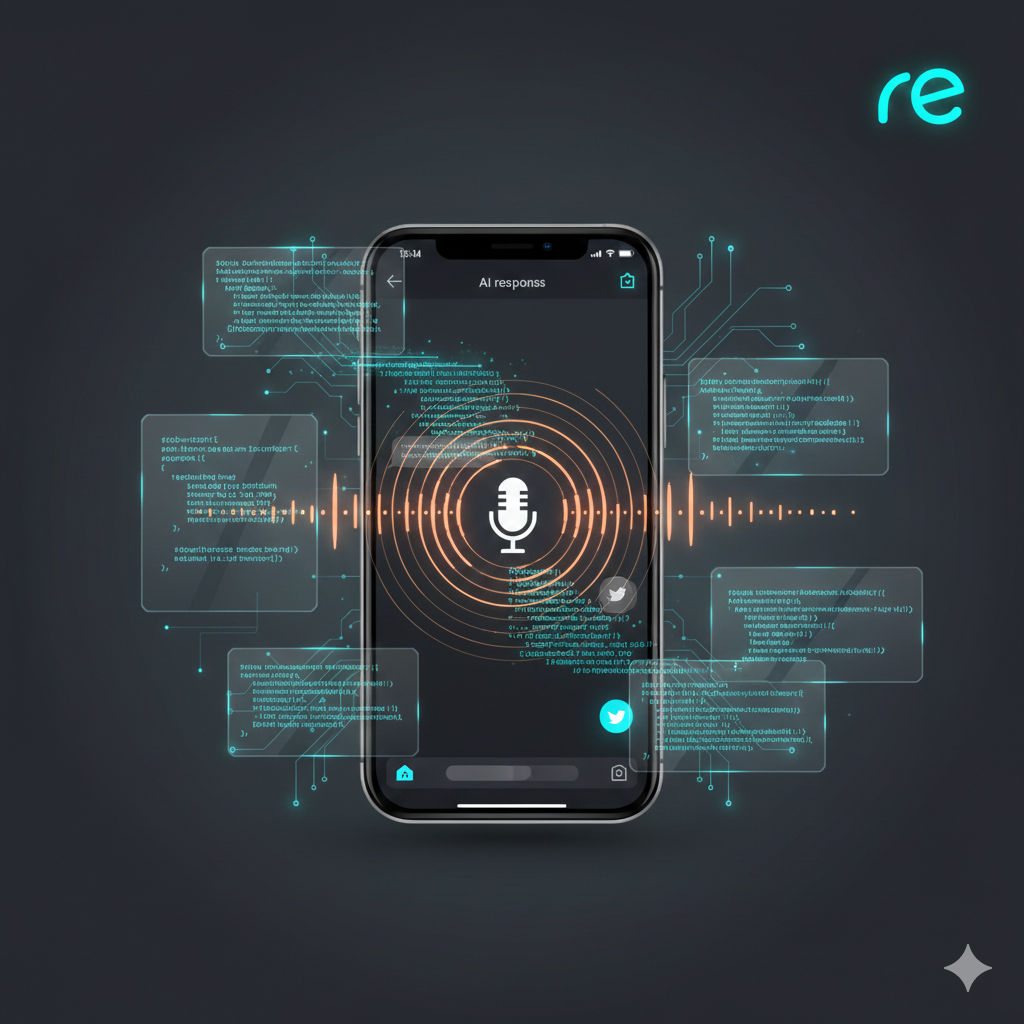
Speech recognition unlocks natural interaction with your app. With RunAnywhere, you can run Whisper entirely on-device—no network requests, no privacy concerns, no API costs—across both iOS and Android.
The key challenge in React Native is handling native audio recording while ensuring the output format matches what Whisper expects.
Prerequisites
- Complete Part 1 first to set up your project with the RunAnywhere SDK
- Physical device required — simulators have limited microphone support
- ~75MB additional storage for the Whisper model
Android Note: A physical ARM64 device is required. Emulators will NOT work. See Part 1's Android Setup for complete configuration instructions.
Register the STT Model
Add Whisper to your model registration in App.tsx:
1import { RunAnywhere, ModelCategory } from '@runanywhere/core'2import { ModelArtifactType } from '@runanywhere/onnx'34// Register STT model (Whisper)5RunAnywhere.registerModel({6 id: 'sherpa-onnx-whisper-tiny.en',7 name: 'Whisper Tiny English',8 url: 'https://github.com/RunanywhereAI/sherpa-onnx/releases/download/runanywhere-models-v1/sherpa-onnx-whisper-tiny.en.tar.gz',9 framework: 'onnx',10 modality: ModelCategory.SpeechRecognition,11 artifactType: ModelArtifactType.TarGzArchive,12 memoryRequirement: 75_000_000,13})
Critical: Audio Format Requirements
Whisper requires a very specific audio format:
| Parameter | Required Value |
|---|---|
| Sample Rate | 16,000 Hz |
| Channels | 1 (mono) |
| Format | 16-bit signed integer (Int16) PCM |
React Native doesn't have built-in audio recording, so you'll need to use a native module or library.
Setting Up Audio Recording
Install the audio recording library and file system access:
1npm install react-native-audio-record react-native-fs2cd ios && pod install && cd ..
Create src/services/AudioService.ts:
1import AudioRecord from 'react-native-audio-record'2import RNFS from 'react-native-fs'3import { PermissionsAndroid, Platform } from 'react-native'45class AudioServiceClass {6 private isInitialized = false78 async requestPermission(): Promise<boolean> {9 if (Platform.OS === 'android') {10 const result = await PermissionsAndroid.request(PermissionsAndroid.PERMISSIONS.RECORD_AUDIO, {11 title: 'Microphone Permission',12 message: 'This app needs microphone access for voice AI features.',13 buttonPositive: 'Grant',14 buttonNegative: 'Deny',15 })16 return result === PermissionsAndroid.RESULTS.GRANTED17 }18 // iOS handles permissions via Info.plist19 return true20 }2122 async initialize(): Promise<void> {23 if (this.isInitialized) return2425 const hasPermission = await this.requestPermission()26 if (!hasPermission) {27 throw new Error('Microphone permission denied')28 }2930 // Configure for Whisper: 16kHz, mono, PCM31 AudioRecord.init({32 sampleRate: 16000,33 channels: 1,34 bitsPerSample: 16,35 wavFile: 'recording.wav',36 })3738 this.isInitialized = true39 }4041 startRecording(): void {42 AudioRecord.start()43 console.log('Recording started')44 }4546 async stopRecording(): Promise<Uint8Array> {47 const audioPath = await AudioRecord.stop()48 console.log('Recording stopped:', audioPath)4950 // Read the WAV file as bytes for transcription51 const base64 = await RNFS.readFile(audioPath, 'base64')52 const binary = atob(base64)53 const bytes = new Uint8Array(binary.length)54 for (let i = 0; i < binary.length; i++) {55 bytes[i] = binary.charCodeAt(i)56 }5758 return bytes59 }60}6162export const AudioService = new AudioServiceClass()
Important: The 16kHz sample rate and mono channel configuration are non-negotiable. Sending audio in a different format will produce garbage output.
Loading and Using STT
Create src/hooks/useSTT.ts:
1import { useState, useCallback } from 'react'2import { RunAnywhere } from '@runanywhere/core'34export function useSTT() {5 const [isLoaded, setIsLoaded] = useState(false)6 const [isLoading, setIsLoading] = useState(false)7 const [downloadProgress, setDownloadProgress] = useState(0)89 const loadModel = useCallback(async () => {10 setIsLoading(true)11 const modelId = 'sherpa-onnx-whisper-tiny.en'1213 try {14 // Check if already downloaded15 const isDownloaded = await RunAnywhere.isModelDownloaded(modelId)1617 if (!isDownloaded) {18 await RunAnywhere.downloadModel(modelId, (progress) => {19 setDownloadProgress(progress.progress)20 })21 }2223 // Load STT model into memory24 await RunAnywhere.loadSTTModel(modelId)25 setIsLoaded(true)26 console.log('STT model loaded successfully')27 } catch (e) {28 console.error('STT load error:', e)29 throw e30 } finally {31 setIsLoading(false)32 }33 }, [])3435 const transcribe = useCallback(36 async (audioData: Uint8Array): Promise<string> => {37 if (!isLoaded) throw new Error('STT model not loaded')3839 // Transcribe raw audio bytes (must be 16kHz Int16 PCM!)40 const text = await RunAnywhere.transcribe(audioData)41 return text42 },43 [isLoaded]44 )4546 return {47 isLoaded,48 isLoading,49 downloadProgress,50 loadModel,51 transcribe,52 }53}
Why
loadSTTModel()instead ofloadModel()? The SDK uses separate methods for each modality:loadModel()for LLMs,loadSTTModel()for speech-to-text, andloadTTSVoice()for text-to-speech. This reflects that each uses a different runtime (LlamaCPP vs ONNX) and can be loaded simultaneously without conflicts.
Complete STT Screen
Create src/screens/STTScreen.tsx:
1import React, { useState, useEffect } from 'react';2import {3 View,4 Text,5 TouchableOpacity,6 StyleSheet,7 ActivityIndicator,8} from 'react-native';9import { AudioService } from '../services/AudioService';10import { useSTT } from '../hooks/useSTT';1112export function STTScreen() {13 const [isRecording, setIsRecording] = useState(false);14 const [isTranscribing, setIsTranscribing] = useState(false);15 const [transcription, setTranscription] = useState('');1617 const { isLoaded, isLoading, downloadProgress, loadModel, transcribe } = useSTT();1819 useEffect(() => {20 async function setup() {21 await AudioService.initialize();22 await loadModel();23 }24 setup();25 }, [loadModel]);2627 async function toggleRecording() {28 if (isRecording) {29 await stopAndTranscribe();30 } else {31 await startRecording();32 }33 }3435 async function startRecording() {36 try {37 AudioService.startRecording();38 setIsRecording(true);39 setTranscription('');40 } catch (e) {41 console.error('Failed to start recording:', e);42 }43 }4445 async function stopAndTranscribe() {46 setIsRecording(false);47 setIsTranscribing(true);4849 try {50 const audioData = await AudioService.stopRecording();51 const text = await transcribe(audioData);52 setTranscription(text);53 } catch (e) {54 setTranscription(`Error: ${e instanceof Error ? e.message : 'Unknown error'}`);55 } finally {56 setIsTranscribing(false);57 }58 }5960 if (isLoading) {61 return (62 <View style={styles.container}>63 <Text style={styles.statusText}>64 Downloading model... {(downloadProgress * 100).toFixed(0)}%65 </Text>66 <View style={styles.progressBar}>67 <View style={[styles.progressFill, { width: `${downloadProgress * 100}%` }]} />68 </View>69 </View>70 );71 }7273 return (74 <View style={styles.container}>75 {/* Transcription display */}76 <View style={styles.transcriptionBox}>77 <Text style={styles.transcriptionText}>78 {transcription || 'Tap the microphone to record...'}79 </Text>80 </View>8182 {/* Record button */}83 <TouchableOpacity84 style={[styles.recordButton, isRecording && styles.recordingActive]}85 onPress={toggleRecording}86 disabled={!isLoaded || isTranscribing}87 >88 <Text style={styles.recordButtonIcon}>89 {isRecording ? '⬛' : '🎤'}90 </Text>91 </TouchableOpacity>9293 {isTranscribing && (94 <View style={styles.transcribingRow}>95 <ActivityIndicator size="small" color="#fff" />96 <Text style={styles.transcribingText}>Transcribing...</Text>97 </View>98 )}99 </View>100 );101}102103const styles = StyleSheet.create({104 container: {105 flex: 1,106 backgroundColor: '#000',107 padding: 24,108 justifyContent: 'center',109 alignItems: 'center',110 },111 statusText: {112 color: '#fff',113 fontSize: 16,114 marginBottom: 16,115 },116 progressBar: {117 width: '100%',118 height: 8,119 backgroundColor: '#333',120 borderRadius: 4,121 overflow: 'hidden',122 },123 progressFill: {124 height: '100%',125 backgroundColor: '#007AFF',126 },127 transcriptionBox: {128 width: '100%',129 minHeight: 100,130 backgroundColor: '#111',131 borderRadius: 12,132 padding: 16,133 marginBottom: 48,134 },135 transcriptionText: {136 color: '#fff',137 fontSize: 16,138 lineHeight: 24,139 },140 recordButton: {141 width: 100,142 height: 100,143 borderRadius: 50,144 backgroundColor: '#007AFF',145 justifyContent: 'center',146 alignItems: 'center',147 },148 recordingActive: {149 backgroundColor: '#ff4444',150 },151 recordButtonIcon: {152 fontSize: 36,153 },154 transcribingRow: {155 flexDirection: 'row',156 alignItems: 'center',157 marginTop: 24,158 },159 transcribingText: {160 color: '#fff',161 marginLeft: 8,162 },163});
Memory Management
When you're done with STT, unload the model to free memory:
1// Unload STT model to free memory2await RunAnywhere.unloadSTTModel()
STT models can be loaded independently alongside the LLM—they don't conflict.

Models Reference
| Model ID | Size | Notes |
|---|---|---|
sherpa-onnx-whisper-tiny.en | ~75MB | English, real-time capable |
What's Next
In Part 3, we'll add text-to-speech with Piper, including audio playback across both platforms.
Resources
Questions? Open an issue on GitHub or reach out on Twitter/X.